Pages that look made, not generated.
A design skill for coding agents
Before any code, your agent finds one idea from your product’s own world and builds the whole page around it.
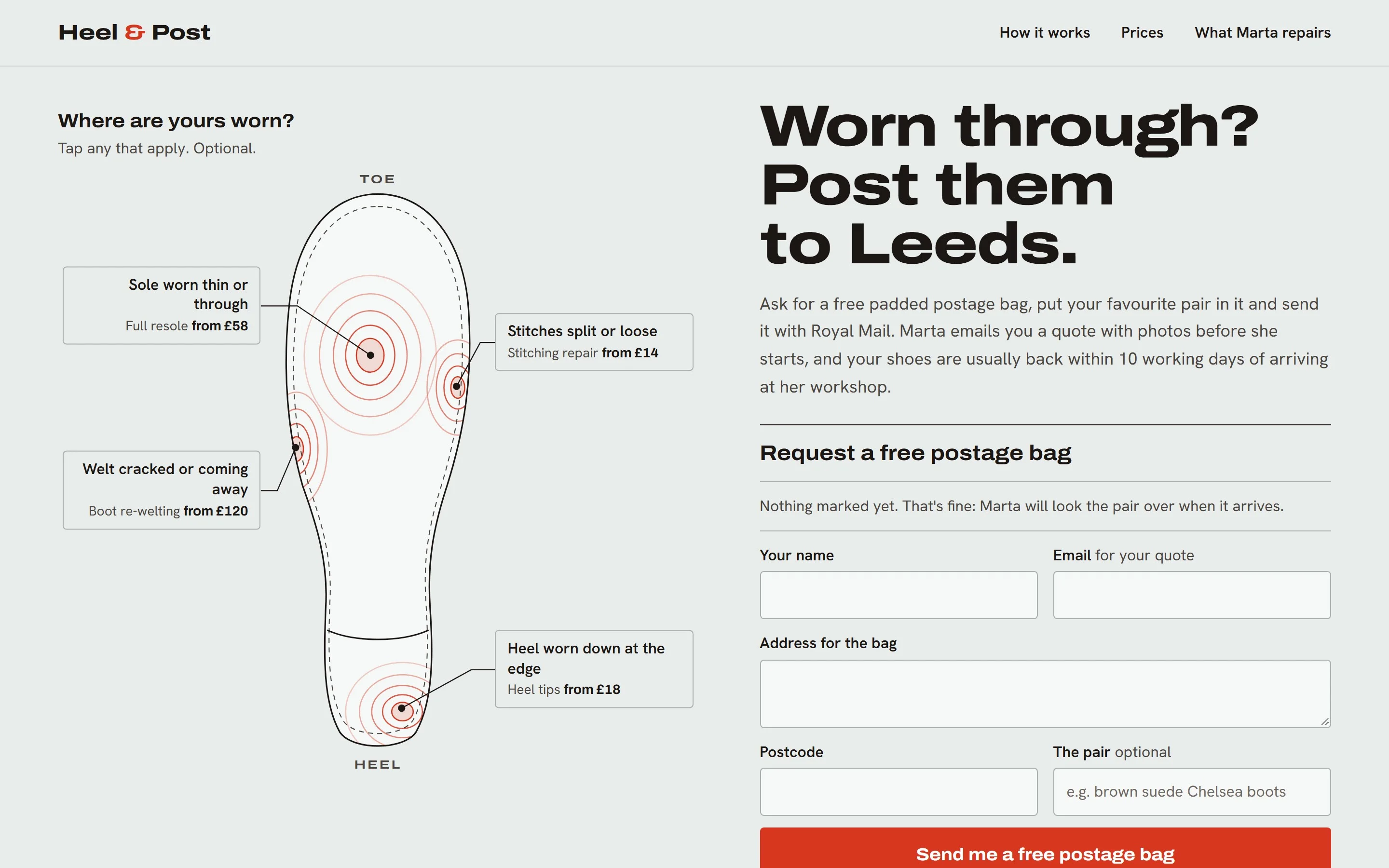
npx gradientdeck install- 01Heel & Postbuilt as a sole wear map
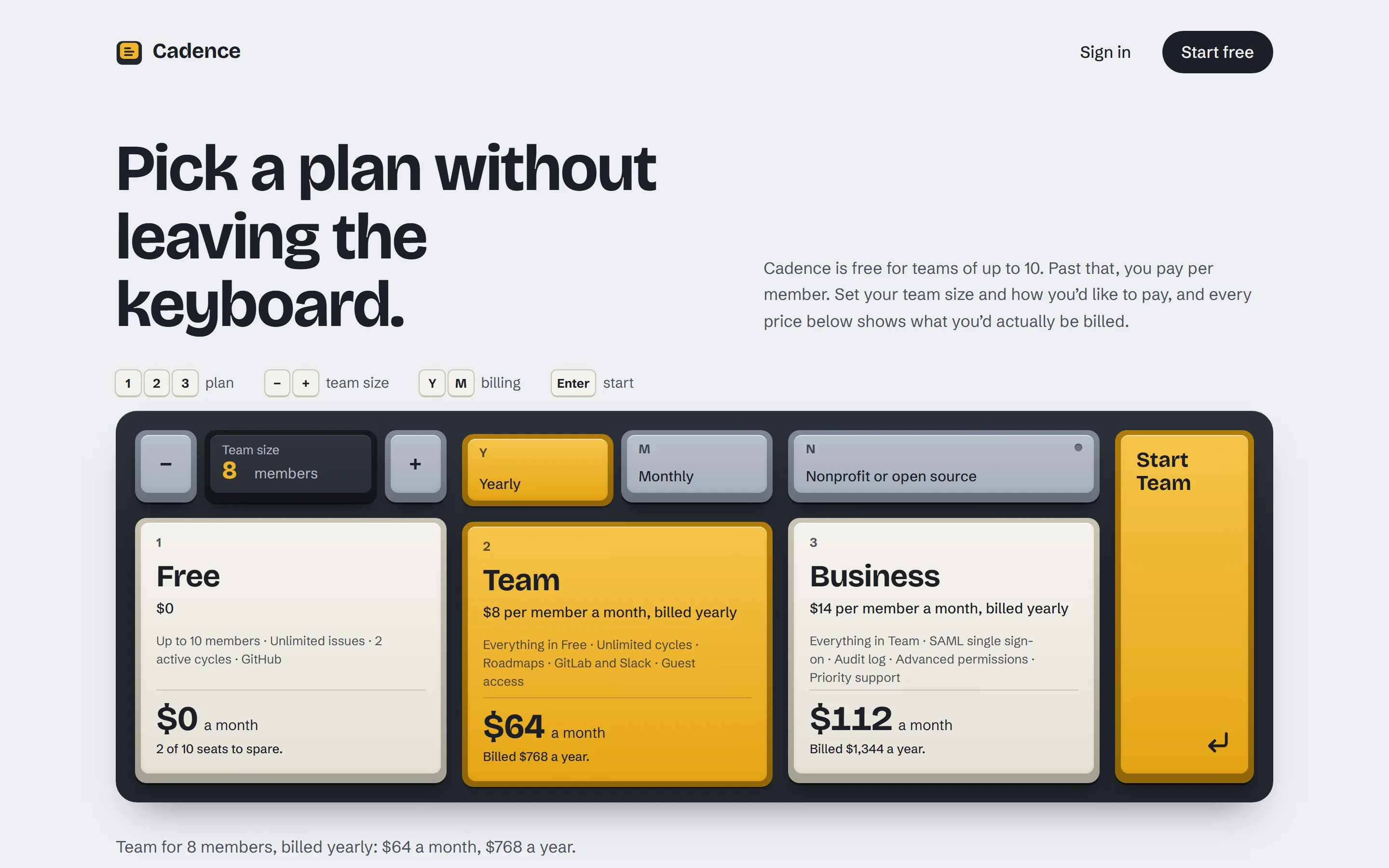
- 02Cadencebuilt as a mechanical keyboard
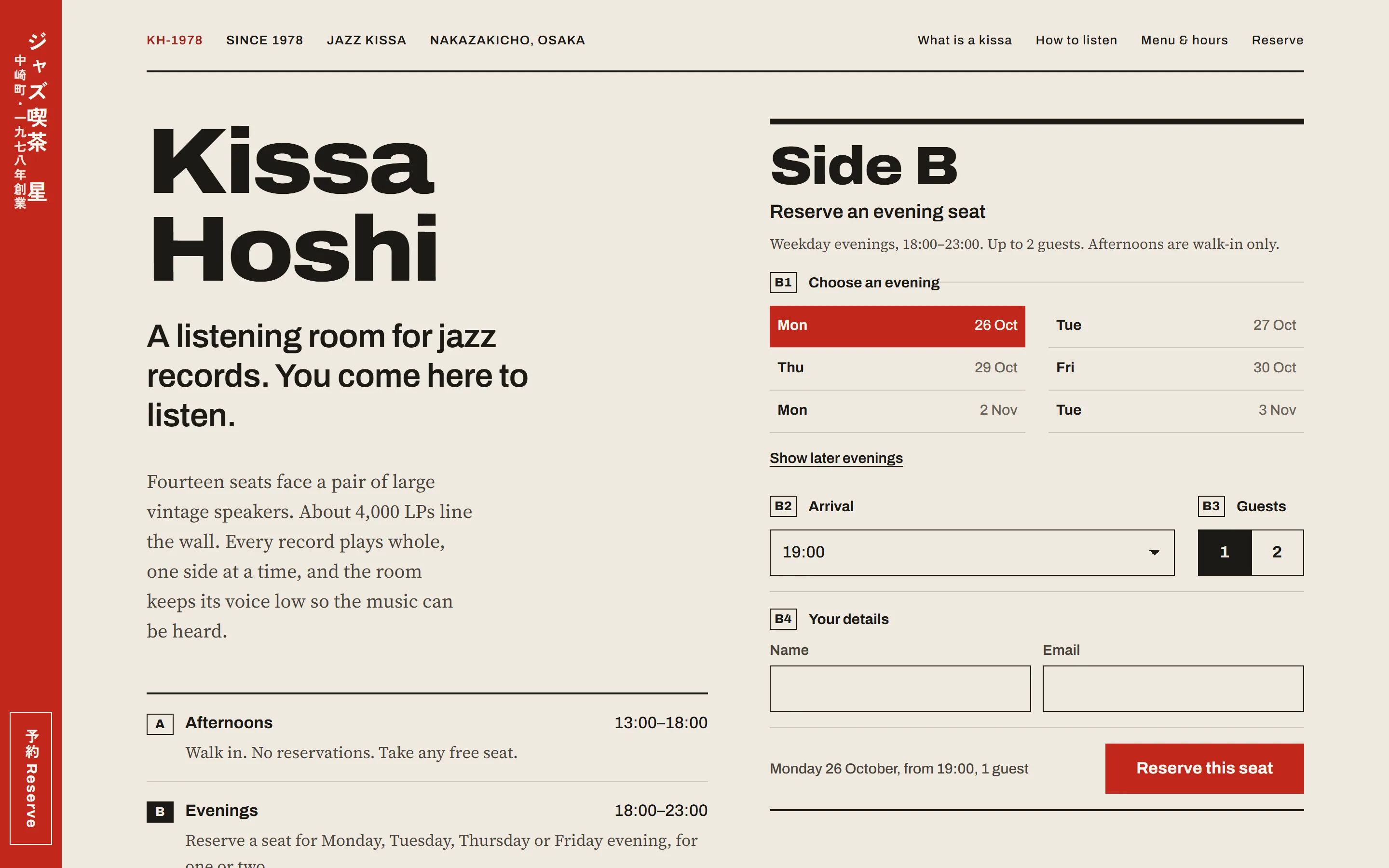
- 03Kissa Hoshibuilt as an LP back cover
Every page here was built by an agent with the skill, in one go, with no edits afterwards.
01 With and without
Same brief, same agent. One used the skill.
On the left the agent worked alone; on the right it used GradientDeck. Scroll to read both pages, or drag the line.
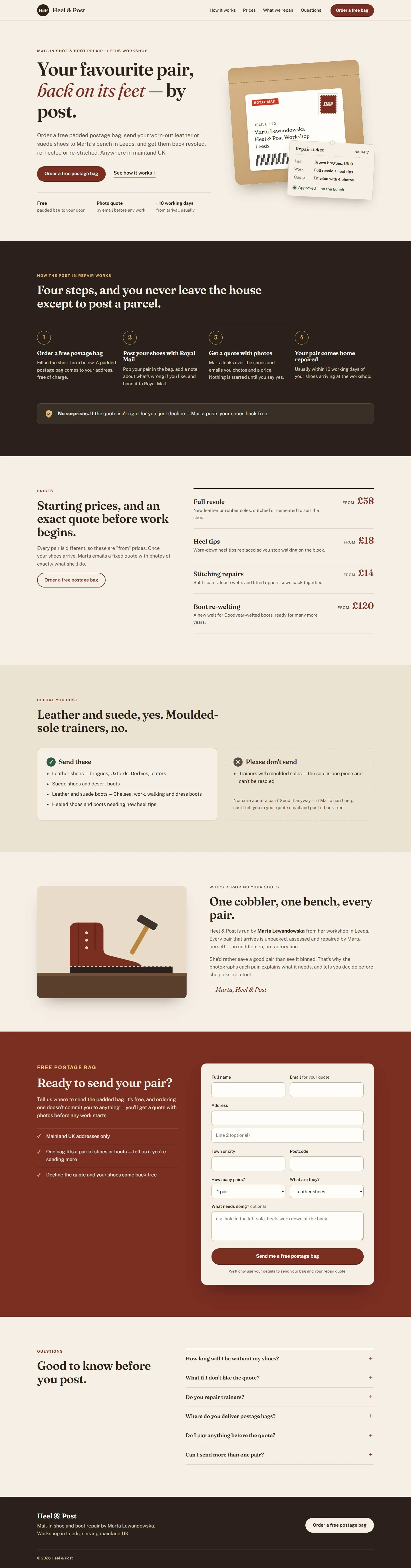
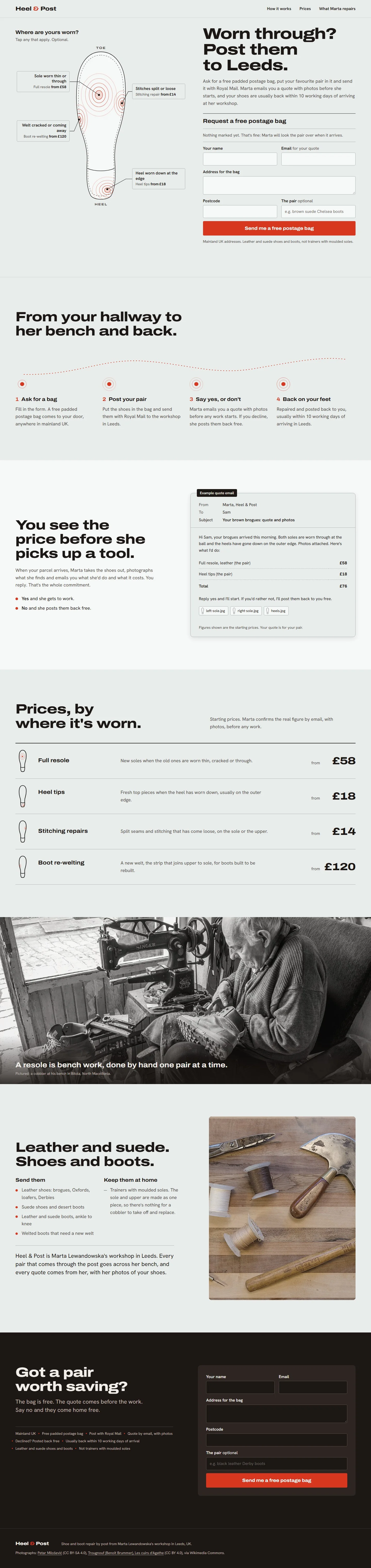
Heel & Post A mail-in shoe repair, built as a sole wear map. The places your pair has worn are the repairs, the prices and the bag request at once.
02 How it works
It designs before it codes. And writes it all down.
Here is one real page, for a shoe repair shop that works by post, from the brief to the finished site. Before any code, the agent saves each of these notes in your project.
What the visitor wants
To see how the repair by post works, and ask for a free postage bag.
What they see first
The bag request form, ready to fill in: name, email, postcode, the shoes and what needs fixing.
Starts with what the visitor came to do
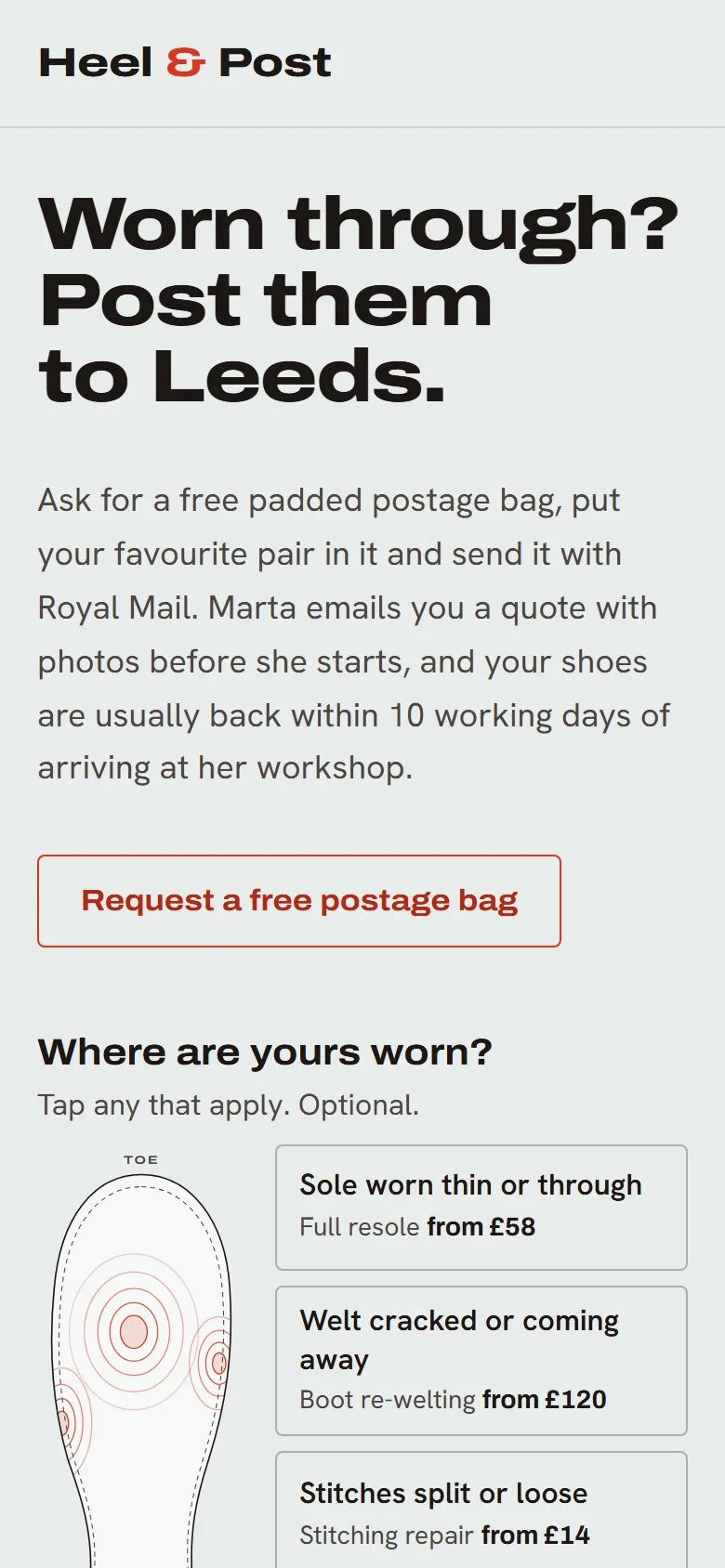
Not with a layout. The thing they came for sits at the top of the page, on a computer and on a phone.
The idea
A map of where shoes wear out
The worn spots on a sole show the repairs, the prices and the bag request, all in one place.
What it avoids
A cosy craft-shop page with an old-style photo and a “Book now” button in the middle.
Finds one idea from the product’s own world
Something visitors already know, picked because it helps them do what they came for, not to decorate.
Fonts a wide, sturdy one for headings and a plain one for reading. A classic serif was tried and dropped: it looked like every other craft shop.
Colours cool grey, leather black and one red, used only for wear and for buttons.
Moment click a worn spot and rings spread out from it, and the form fills in what needs fixing.
Photos one wide photo of a cobbler stitching a sole, with the photographer credited at the bottom.
Plans the whole look first
Fonts, colours, photos and one touch people will remember, chosen together before any code.
- The form is at the top of the page and works, on a computer and on a phone.
- Each photo is large and shows what its section is about.
- Nothing made up: no quotes, ratings or numbers it wasn’t given.
Checks its own work
It looks at the page on a computer, a tablet and a phone, and fixes anything that fails. Then a second agent, new to the page, reviews it.
03 Pages
Nineteen briefs, nineteen different pages. One skill.
Very different products, each built around its own idea. Every page is live: open one and use it.
- 01Heel & PostA mail-in shoe repairBuilt as a sole wear map
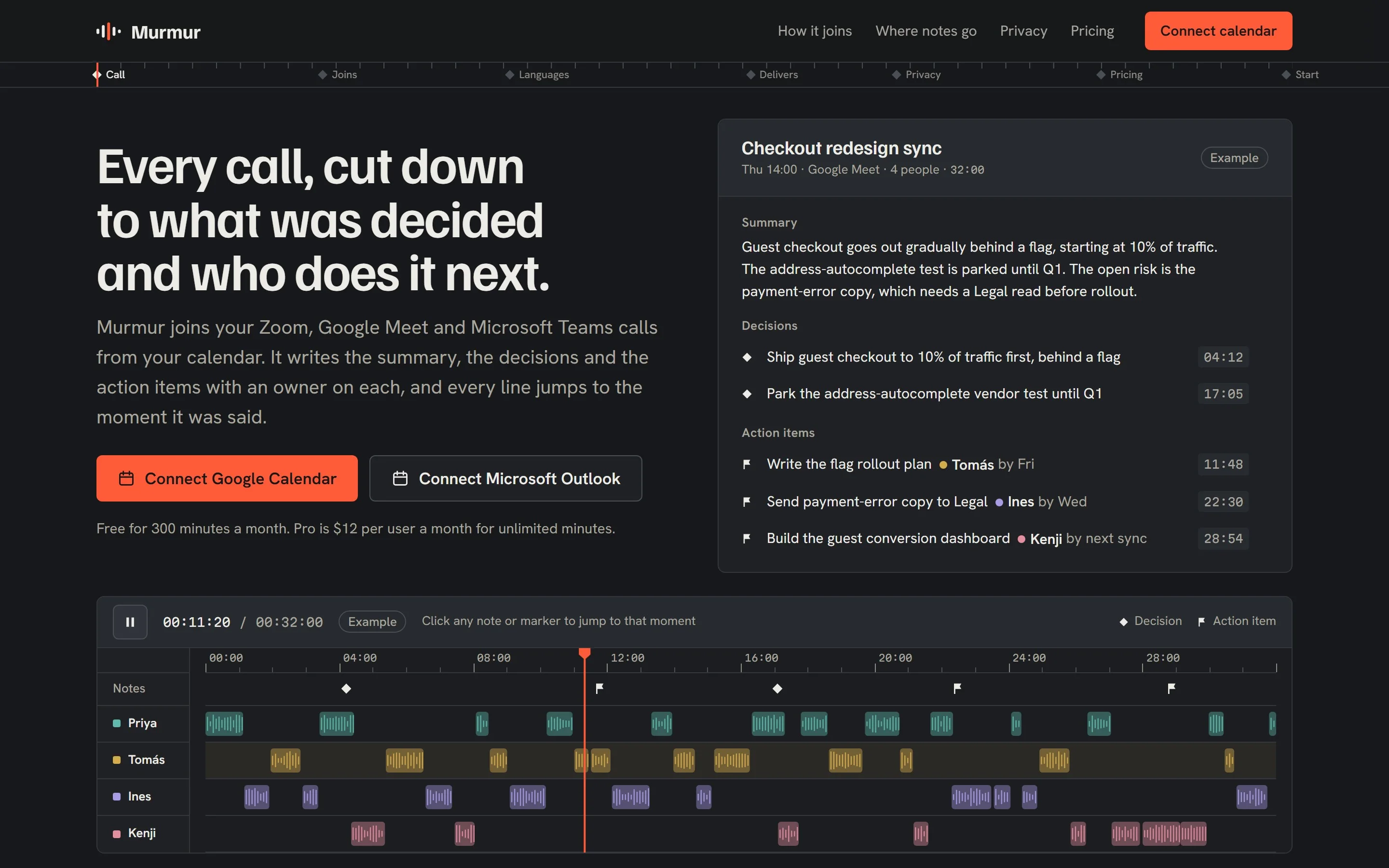
- 02MurmurAI meeting notesBuilt as a film edit timeline
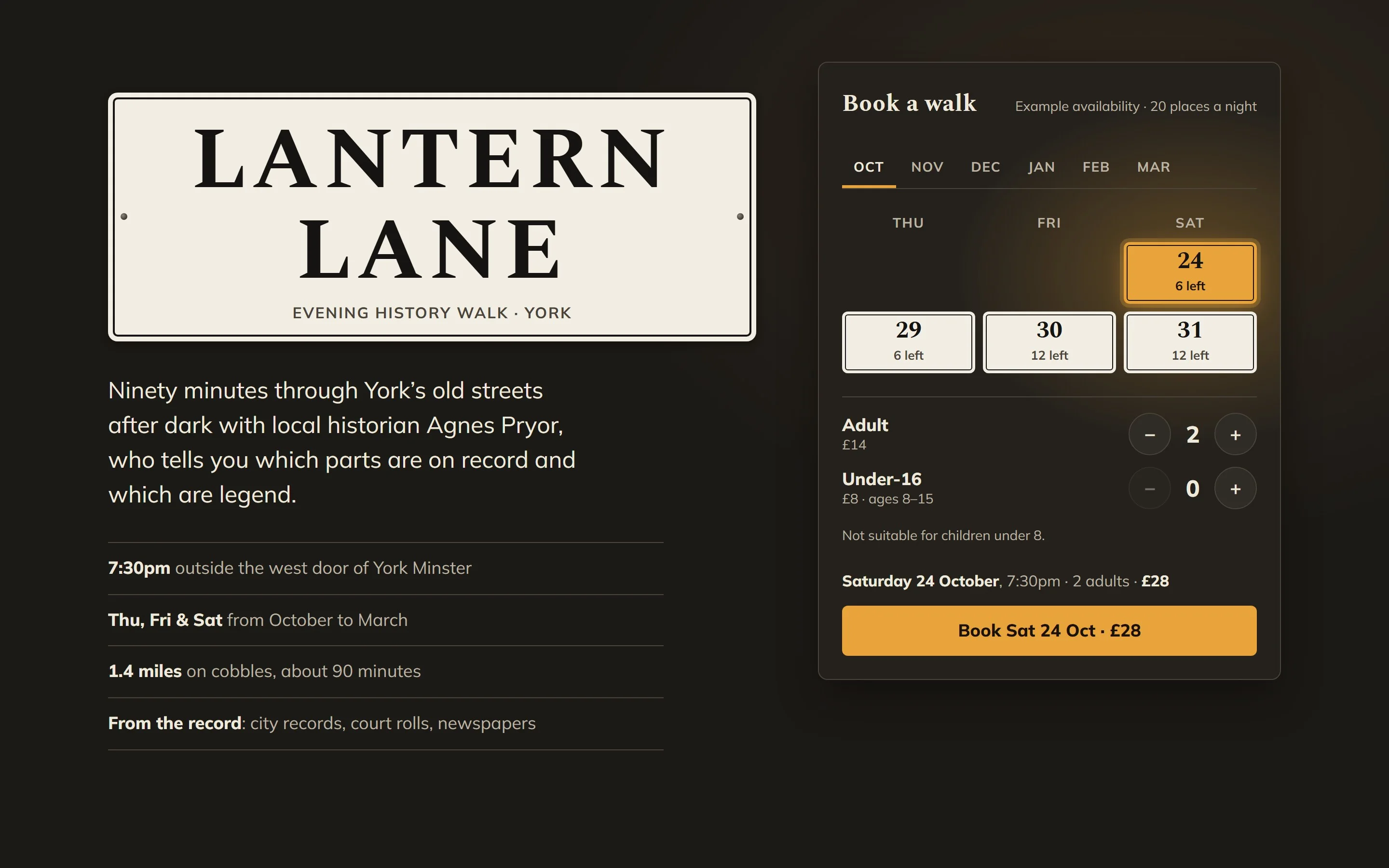
- 03Lantern LaneAn evening history walkBuilt as York’s street nameplates
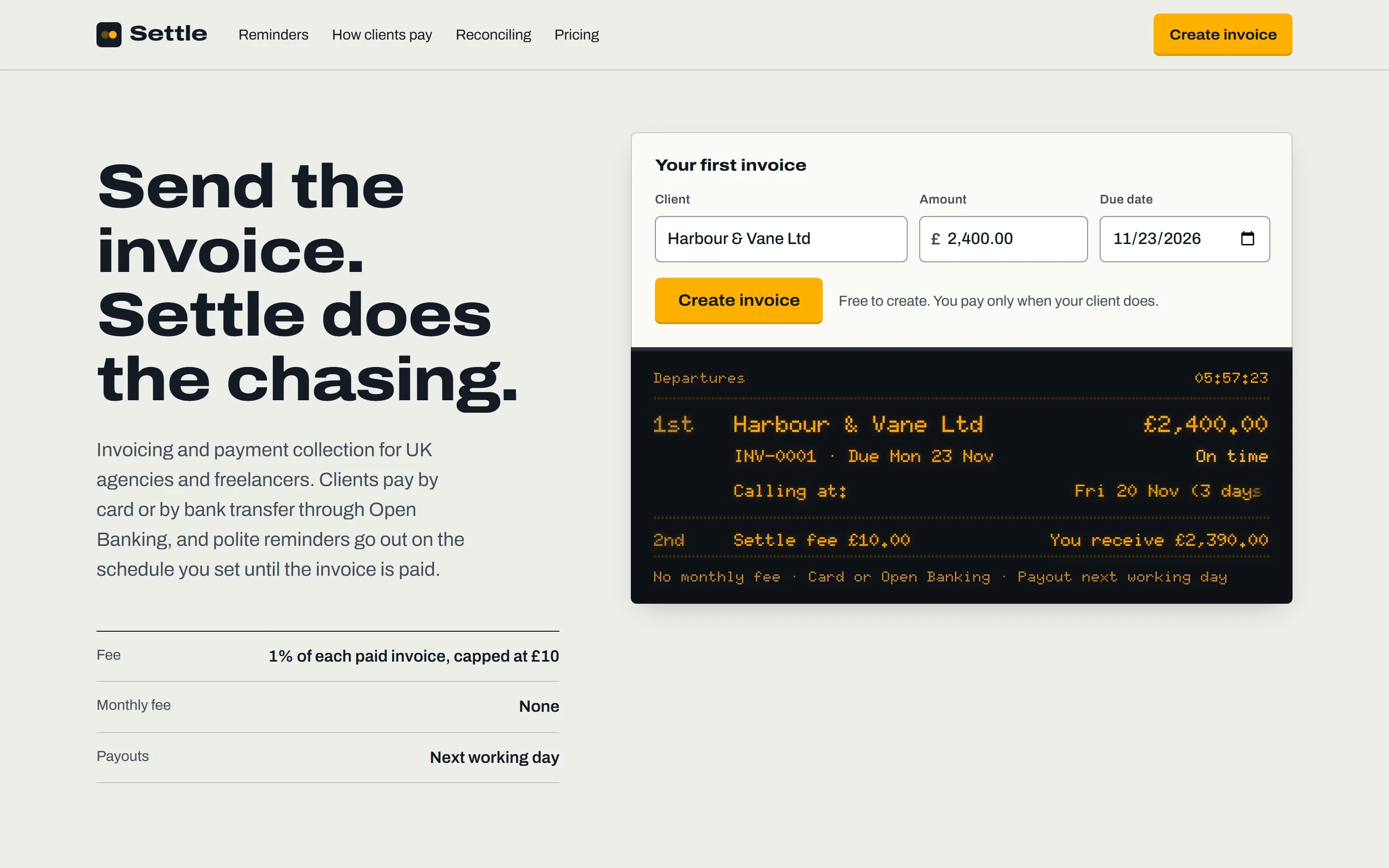
- 04SettleInvoicing for agenciesBuilt as a railway departure board
- 05CadenceA pricing pageBuilt as a mechanical keyboard
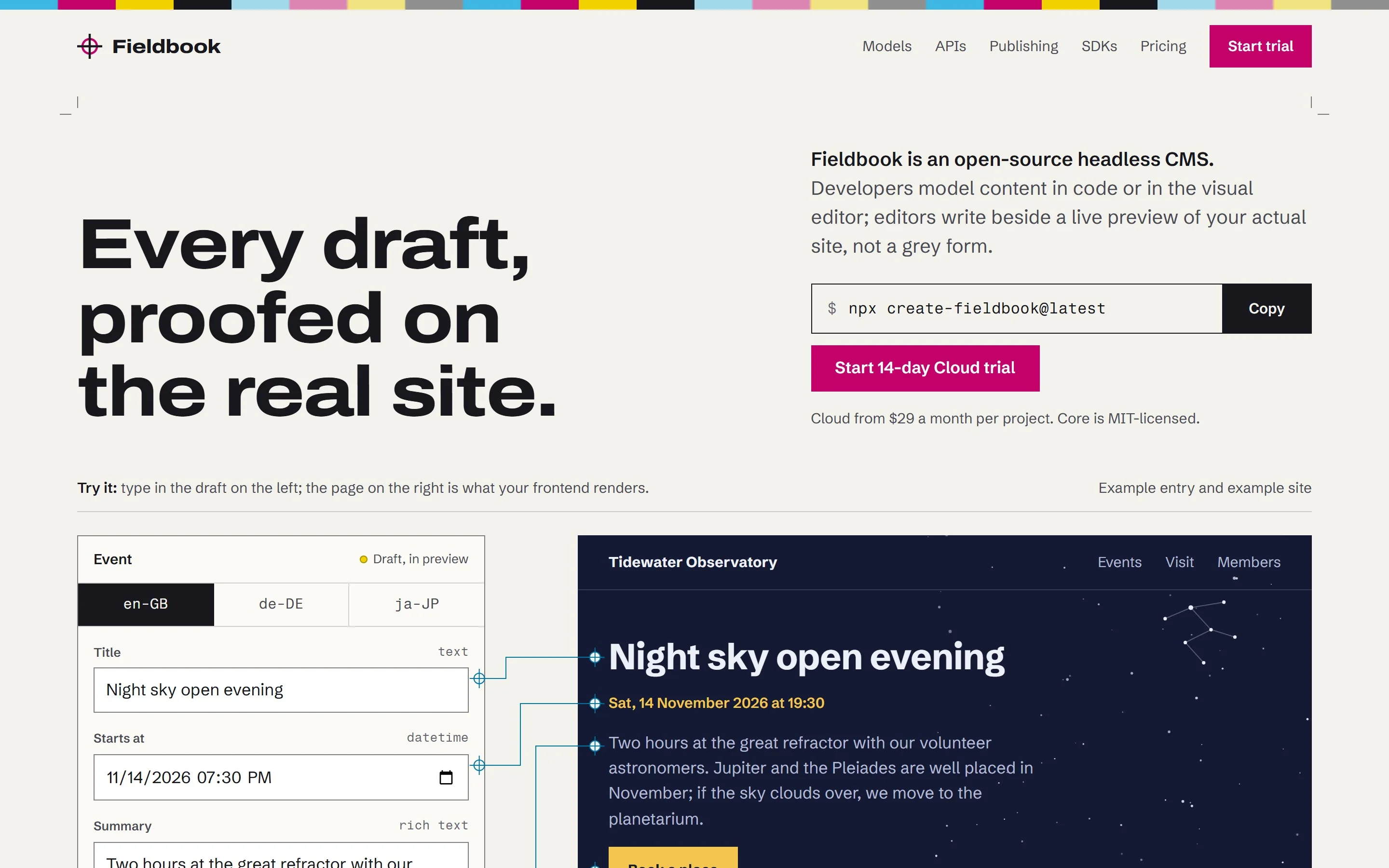
- 06FieldbookA headless CMSBuilt as a printer’s proof sheet
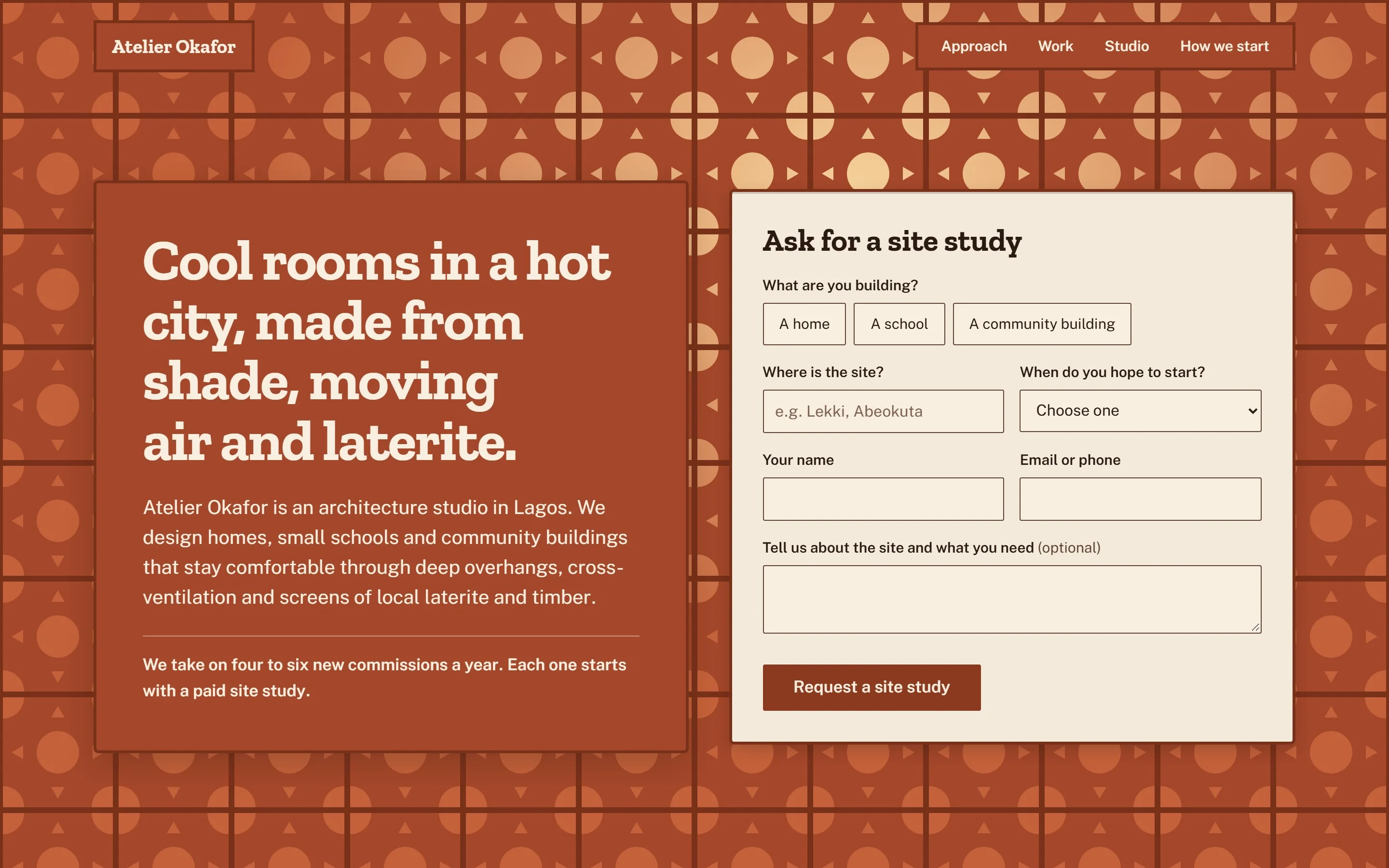
- 07Atelier OkaforAn architecture studio in LagosBuilt as a laterite and timber screen
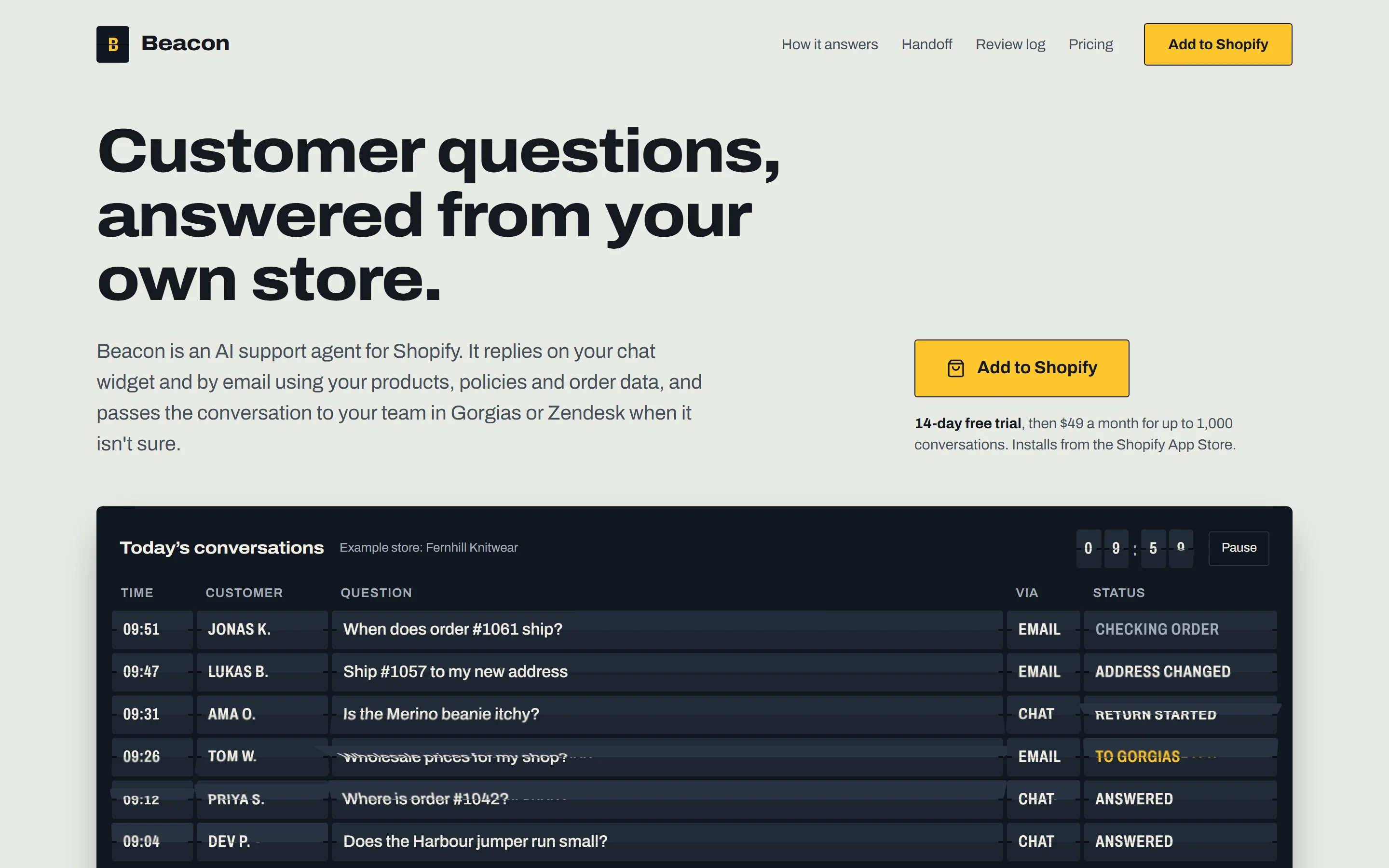
- 08BeaconAn AI support agent for shopsBuilt as a departures board
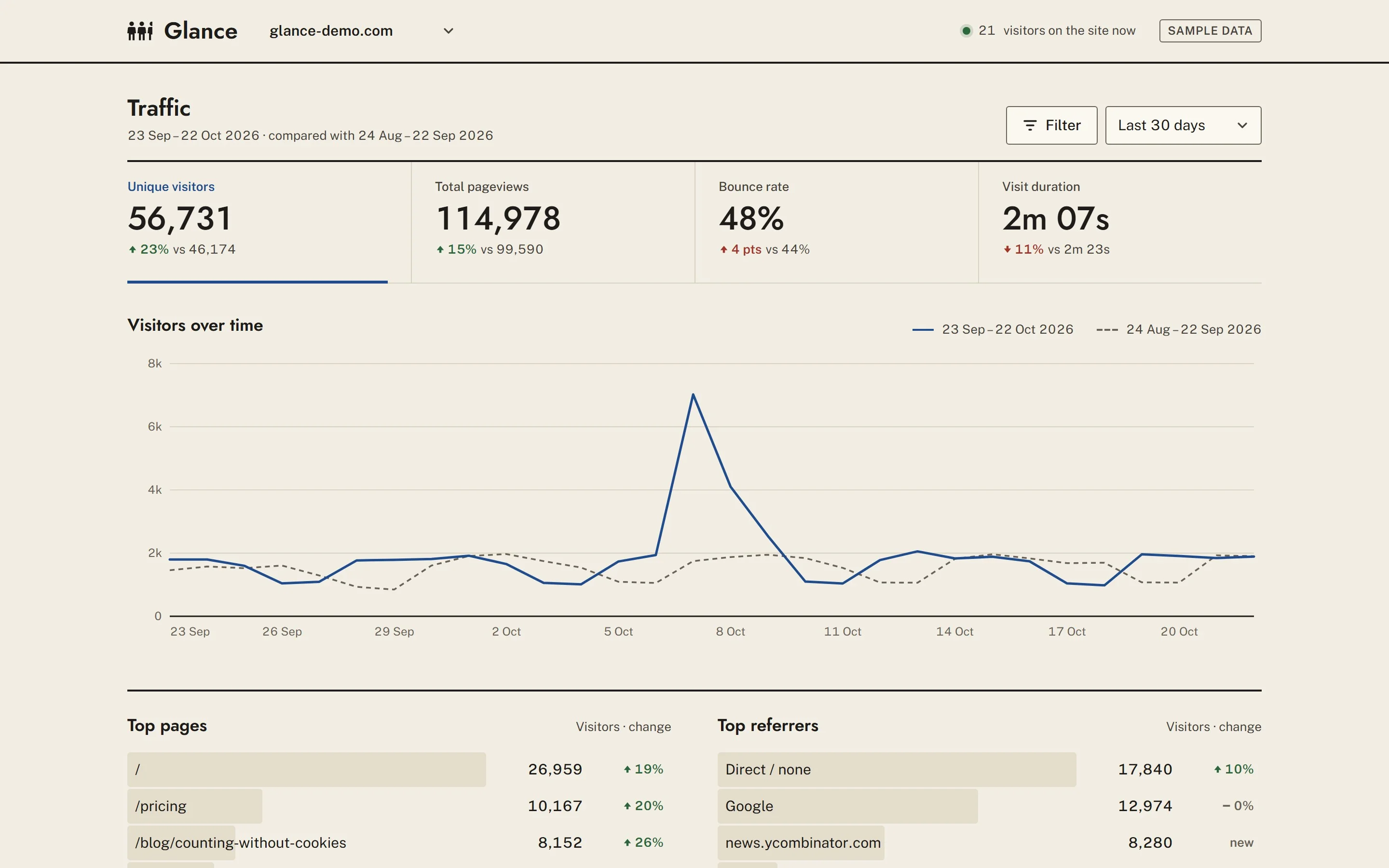
- 09GlanceAn analytics dashboardBuilt as Isotype counting figures
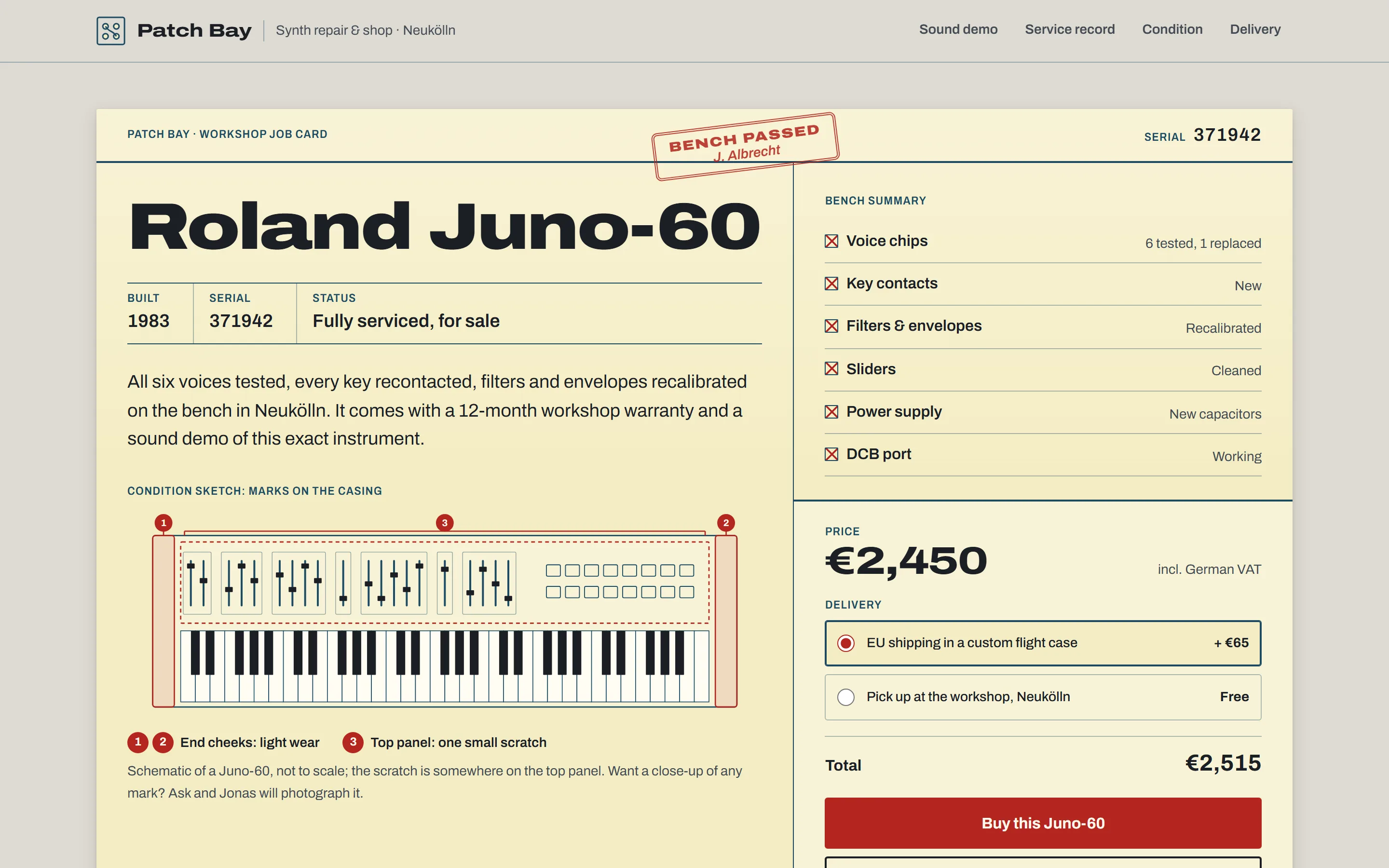
- 10Patch BayOne serviced Juno-60Built as a workshop job card
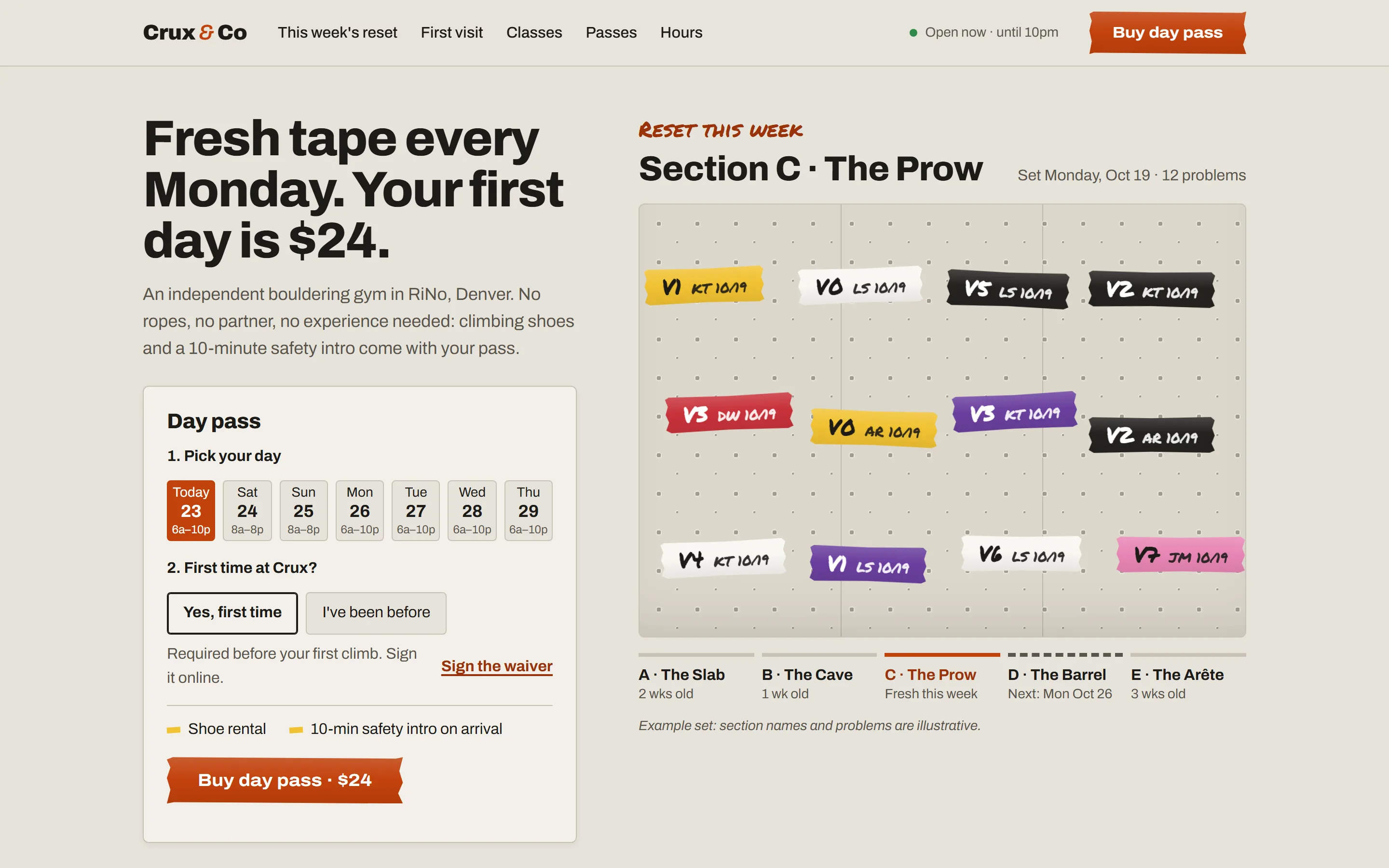
- 11Crux & CoA bouldering gym in DenverBuilt as setters’ tape tags
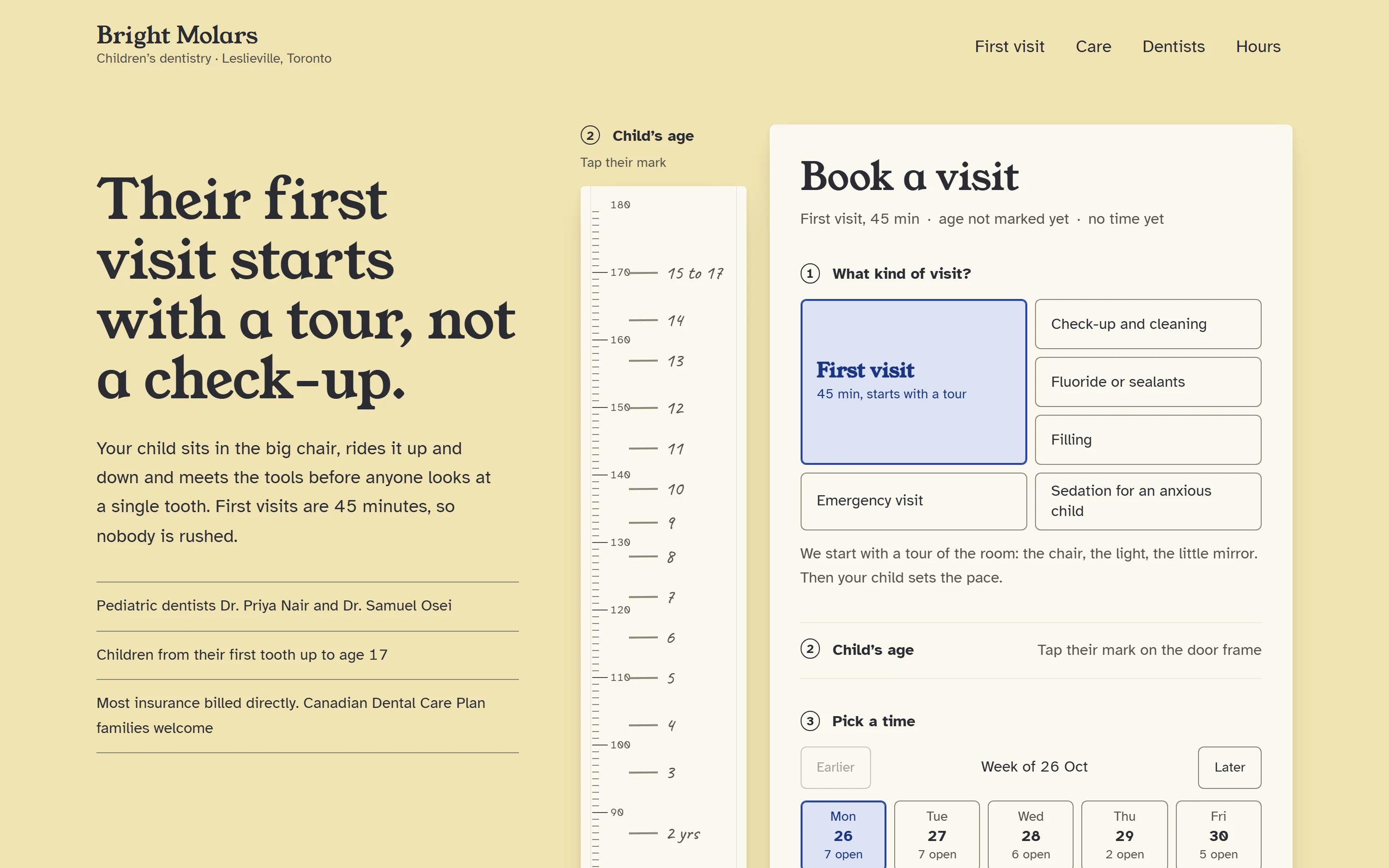
- 12Bright MolarsA children’s dentistBuilt as a door-frame growth chart
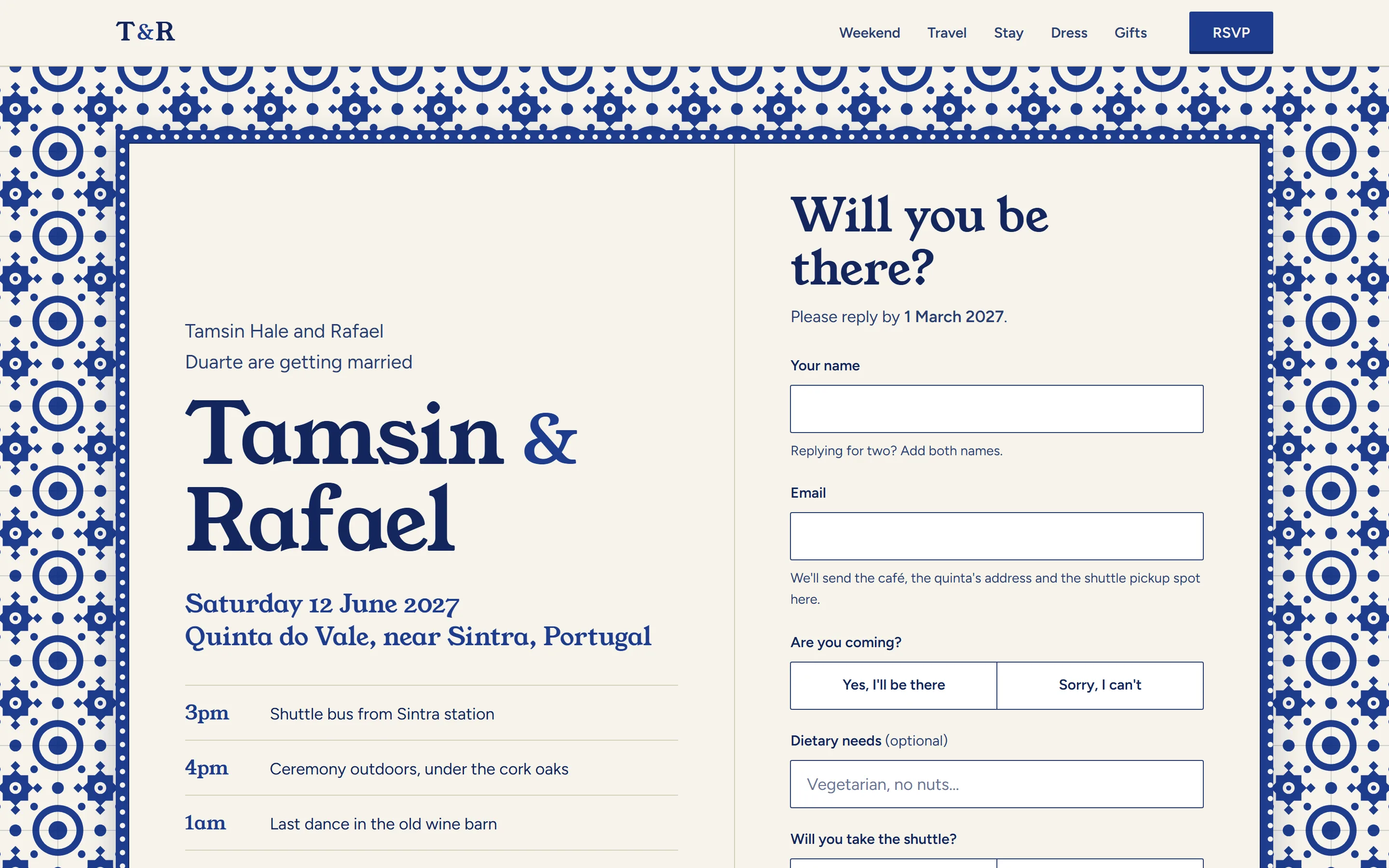
- 13Tamsin & RafaelA wedding in SintraBuilt as an azulejo tile panel
- 14Kissa HoshiA jazz listening café in OsakaBuilt as an LP back cover
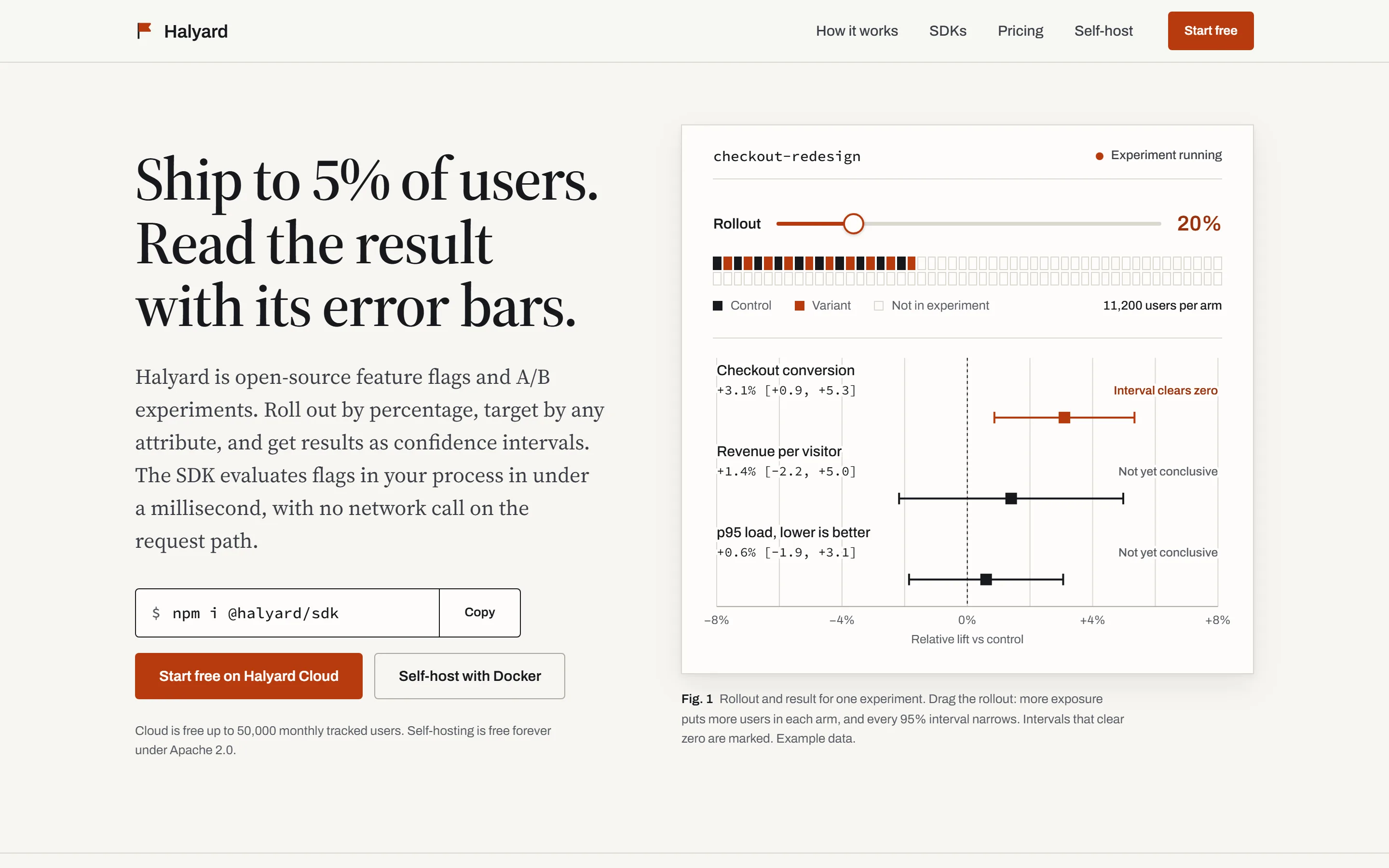
- 15HalyardOpen-source feature flagsBuilt as a methods paper
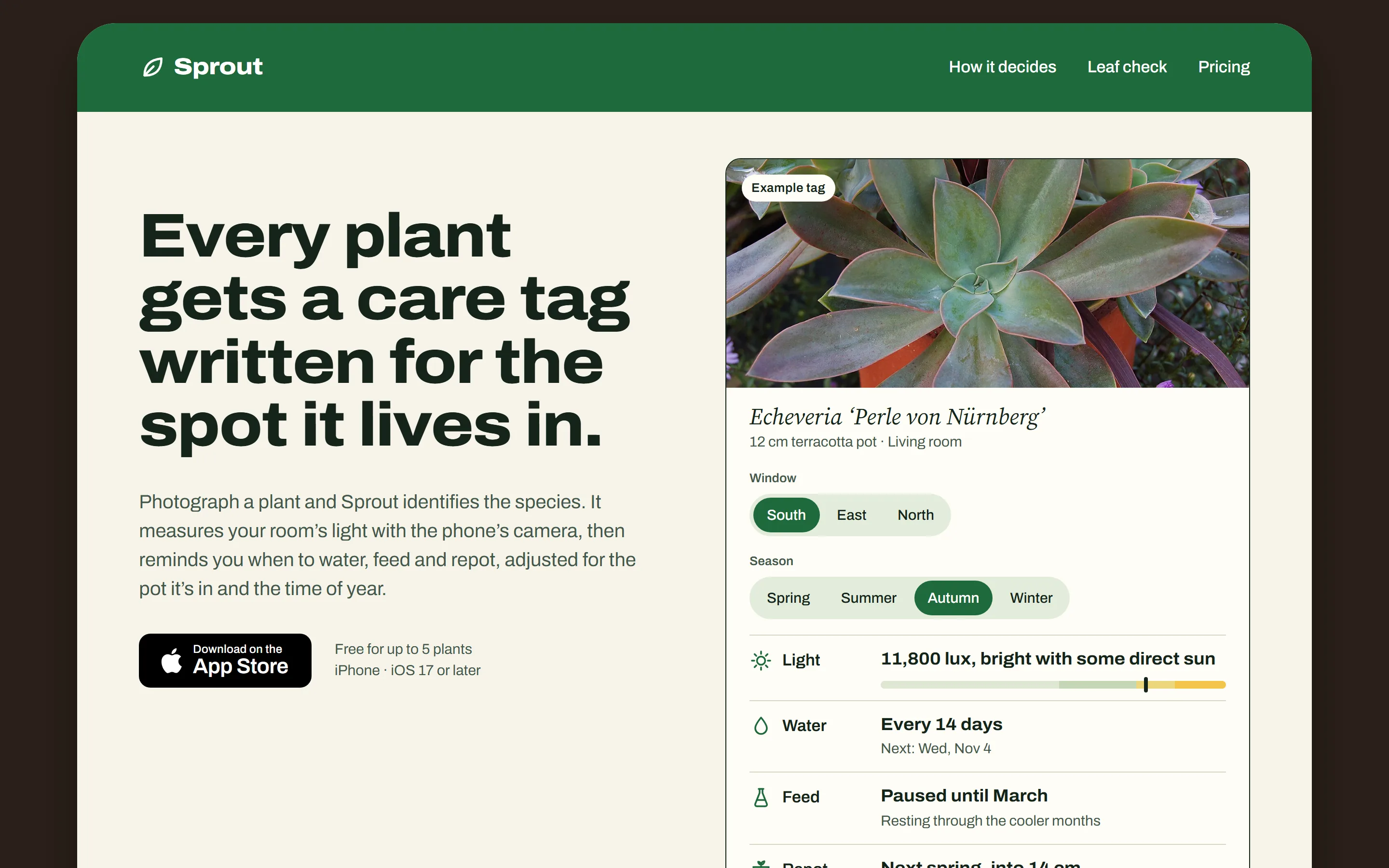
- 16SproutA houseplant care appBuilt as a nursery plant tag
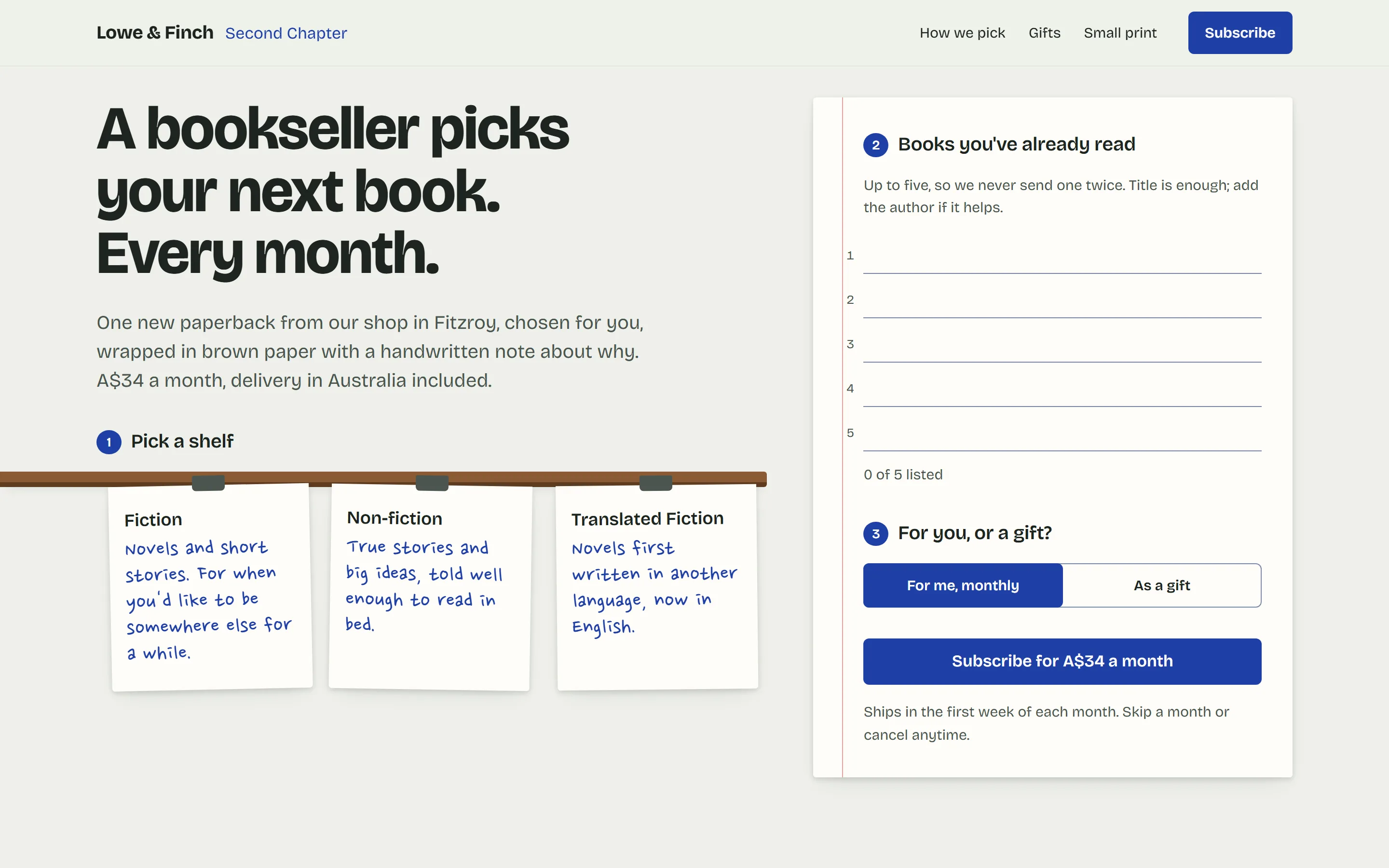
- 17Second ChapterA bookshop subscriptionBuilt as shelf-talker cards
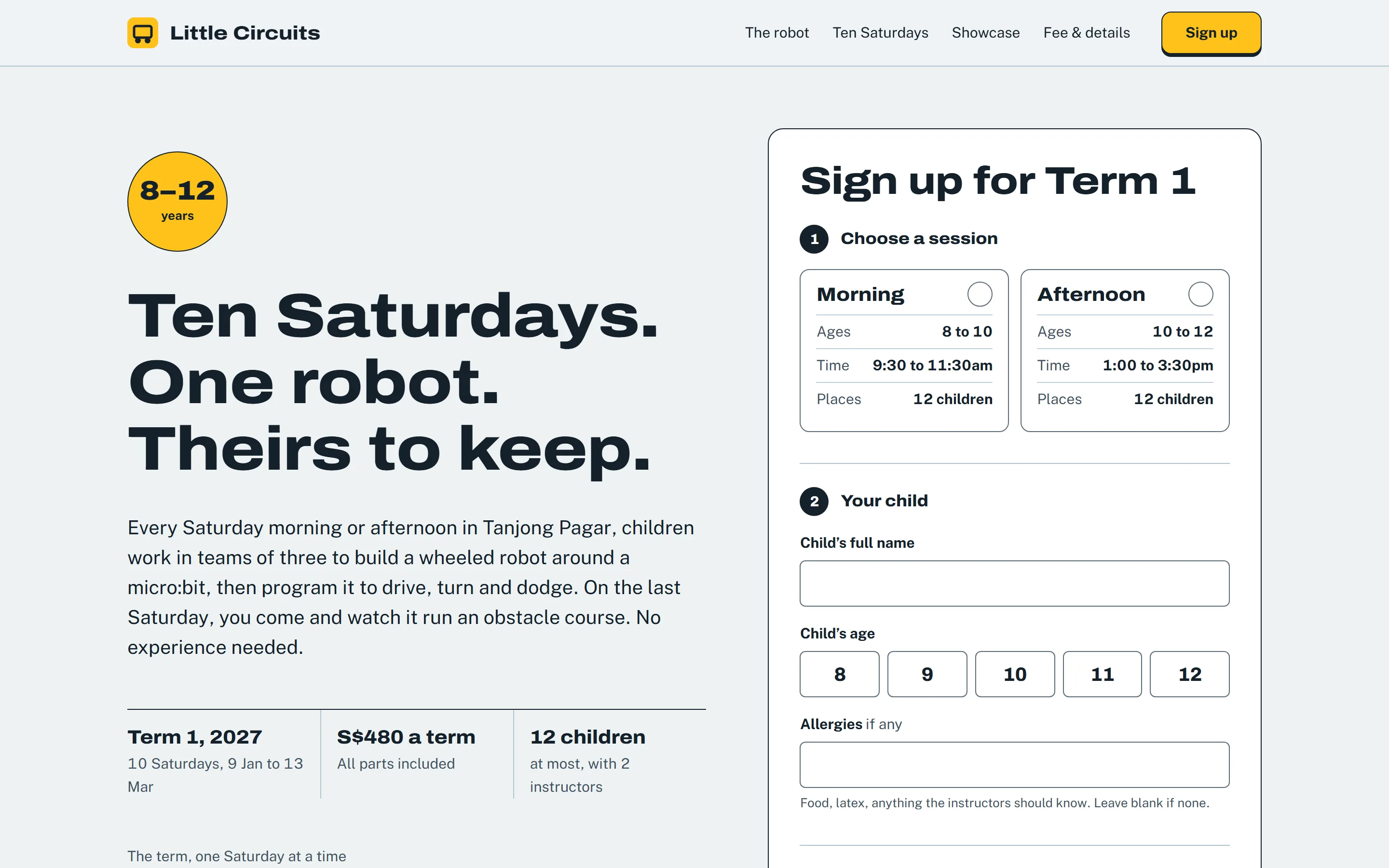
- 18Little CircuitsA robotics club for kidsBuilt as a kit instruction booklet
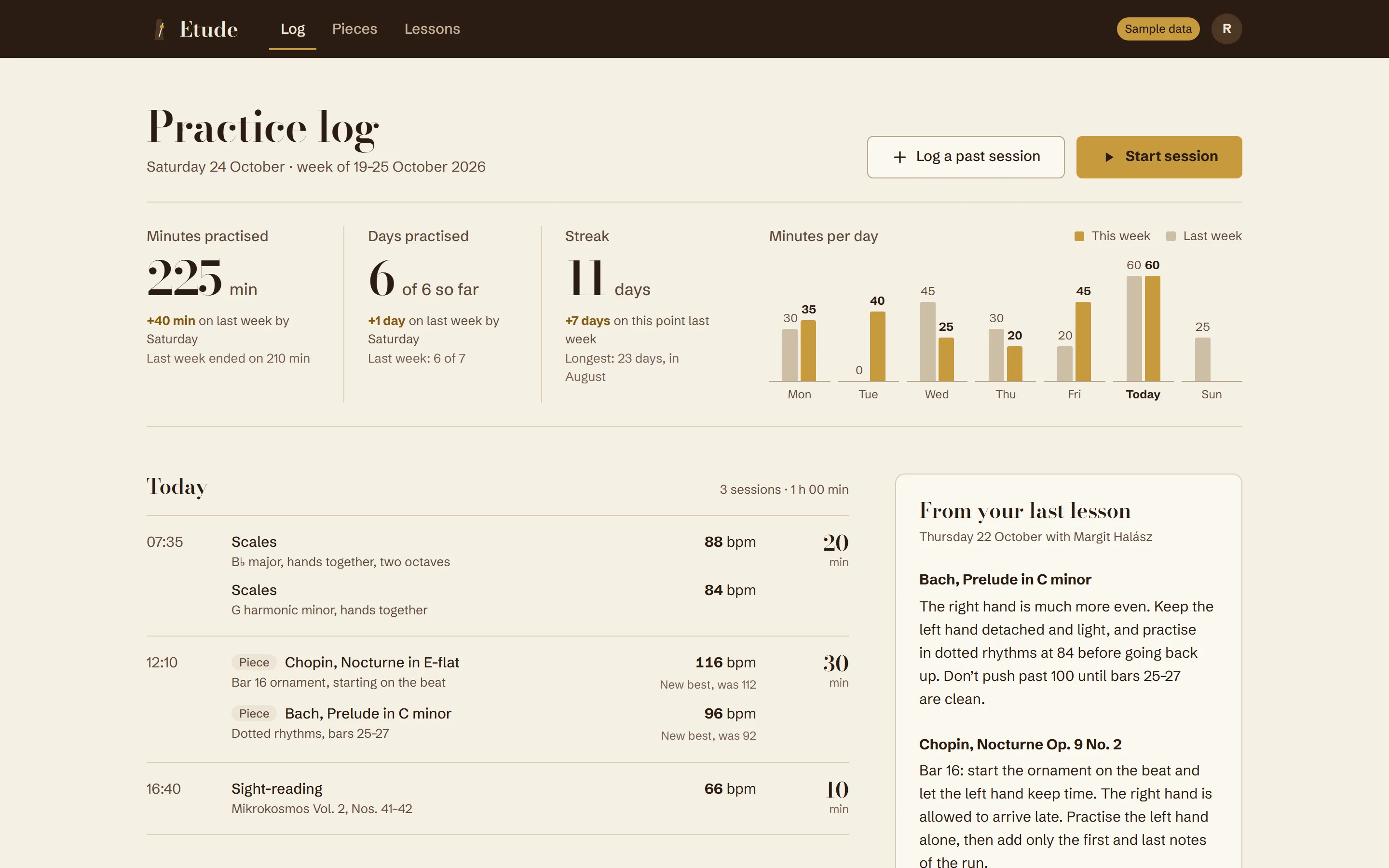
- 19EtudeA piano practice logBuilt as a metronome face
04 Pages you already have
It works on what you’ve built. Not only new pages.
In a codebase that already has a look, it reuses your colours, type and components and adds only what’s missing. When a page needs a new idea, ask for a reroll.
reroll- A new idea for the same page, keeping every fact. Add bolder or safer to steer it.
polish- A last pass on finished UI: spacing, states, focus, small type.
bolder, quieter- Turn the page’s expression up or down by one step.
review- A critique of any page, with findings ranked by how much they matter.
deslop- Strip the generic touches out of the latest change.
extract- Write down an existing design system, so new pages match it.
05 The floor
Bold, but never fake. However big the idea.
The basics hold on every page it builds.
- 01No invented proof
- No made-up logos, testimonials, ratings or “10,000+ teams”. Where a fact is missing, it writes around the gap and tells you.
- 02No placeholders
- No lorem ipsum or “TBD”. Example content is labelled on the page and listed in its report, for you to replace.
- 03Pictures that mean something
- Openly licensed photos, credited, each showing what its section is about. Never stock filler.
- 04No one left out
- Readable contrast, visible focus, buttons big enough to tap, and a still version of every animation.
06 Questions
Before you install. Short answers.
Which agents does it work with?
Claude Code, Codex, Cursor, Copilot, Gemini, OpenCode and most others that read skills. The installer puts it in .claude/skills for Claude Code and .agents/skills for the rest.
Do I have to type a command?
No. The skill starts on its own whenever your agent works on UI. Name a command, such as reroll or polish, only when you want something specific.
Will it change the look of my existing app?
No. In a codebase that already has a look, it reads your colours, type and components first and builds new screens to match. The bold ideas are for new pages.
Will two people get the same page?
Unlikely. The idea comes from your product’s own world, and the skill picks among several before it builds, so two shoe repairs still come out differently.
Where do the photographs come from?
A built-in list of openly licensed photos from Wikimedia Commons. Pages load them from Wikimedia and credit each photographer. Your own photos always come first.
Does it send anything anywhere?
No. The installer has no dependencies, makes no network requests and collects nothing. The skill is plain text and one small local script.